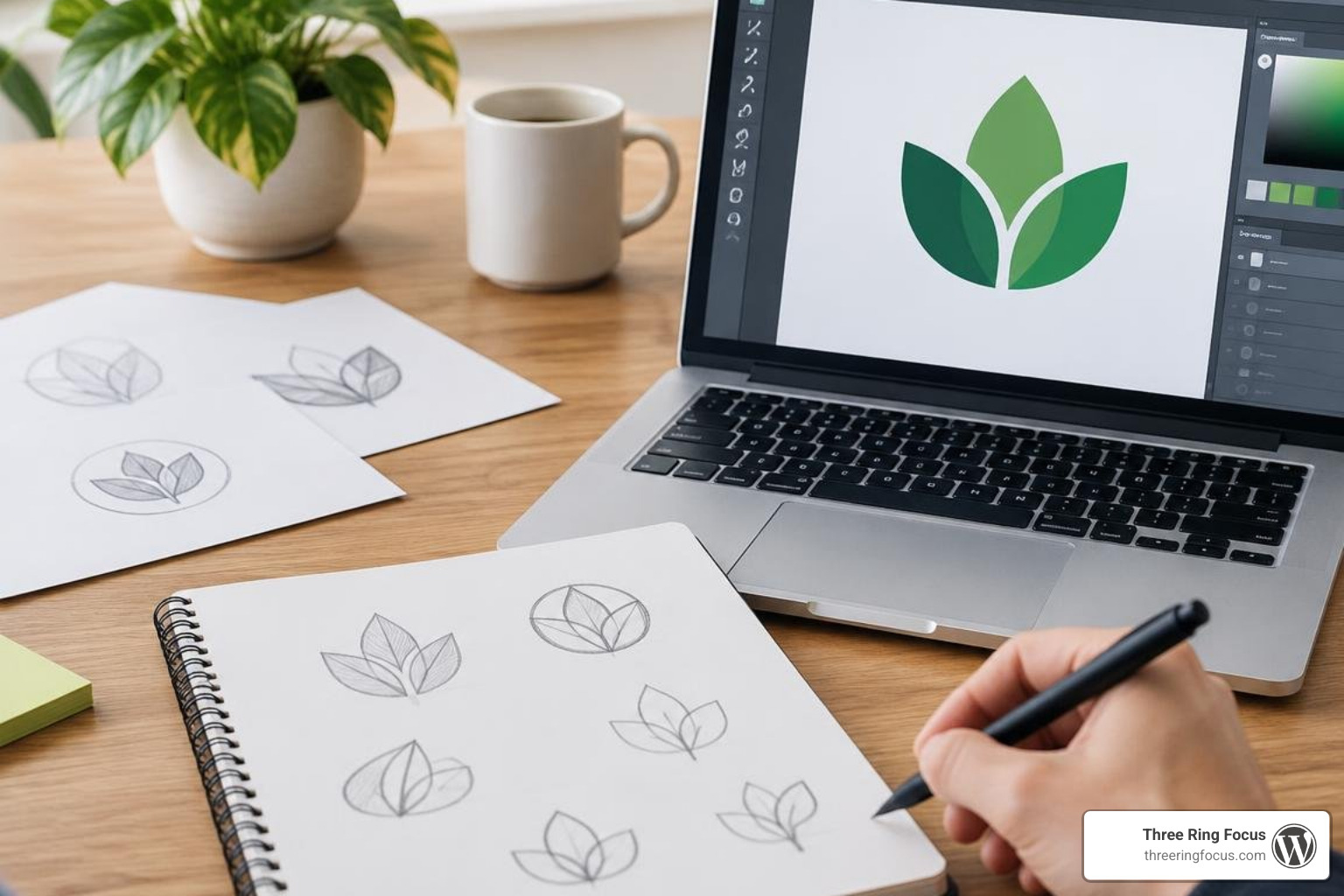
How to Create a Graphic Design Logo That Works Everywhere
Start with the business, not the drawing. Decide what you want customers to remember, sketch a few simple ideas, then turn the strongest one into a vector logo. Test it at small and large sizes, in color and in black and white. If it stays clear on a phone screen and a sign, you have a strong starting point.
Your logo also needs to fit the rest of your brand, from your website to your social posts and print materials. That matters when you want one clear look without paying to fix mismatched designs later.
I’m Luke Wherry, founder of Three Ring Focus, and I’ve spent over 17 years connecting branding with SEO-friendly websites and local marketing. Here’s how to approach a graphic design logo that works beyond the drawing board.
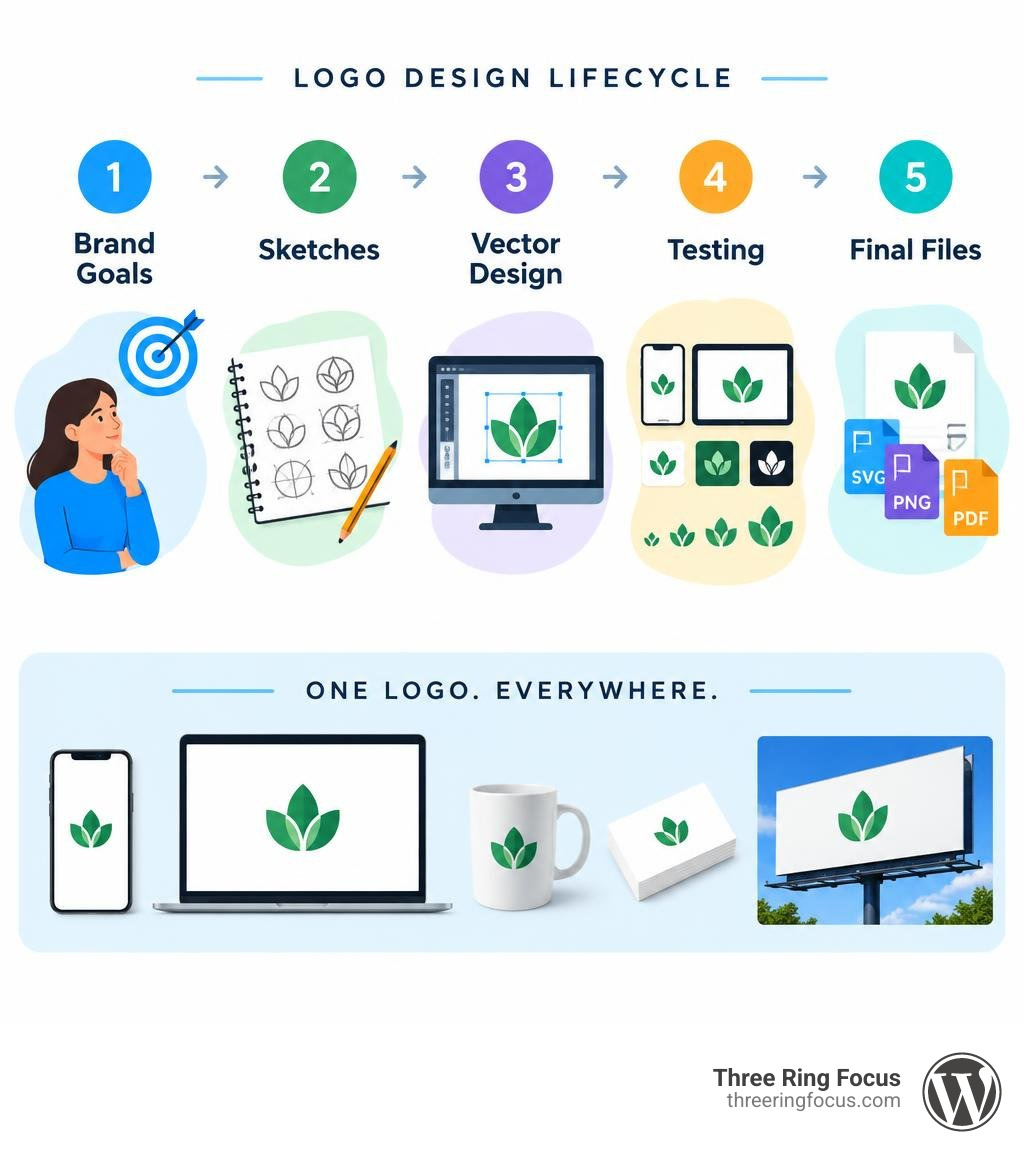
Core Principles of an Effective Graphic Design Logo
A remarkable logo is rarely an accident. It is the result of applying core design fundamentals that balance aesthetic appeal with practical functionality. When a mark fails in the real world, it is almost always because the design skipped these foundational principles.
1. Simplicity
The most iconic marks throughout history—from the Nike swoosh to the Apple silhouette—share a commitment to radical simplicity. A busy composition packed with gradients, intricate linework, and three different typefaces might look impressive on a 27-inch 4K monitor, but it falls apart the second you stitch it onto a polo shirt or shrink it into an Instagram profile icon. Simplicity aids instant visual recognition and speeds up cognitive processing for prospective customers.
2. Memorability
A business logo has mere milliseconds to capture interest. An effective mark introduces a single, distinctive visual hook that anchors itself in the viewer’s memory. If your design tries to say five different things at once, the viewer remembers none of them. Focus on one clear story or emotion.
3. Scalability and Responsiveness
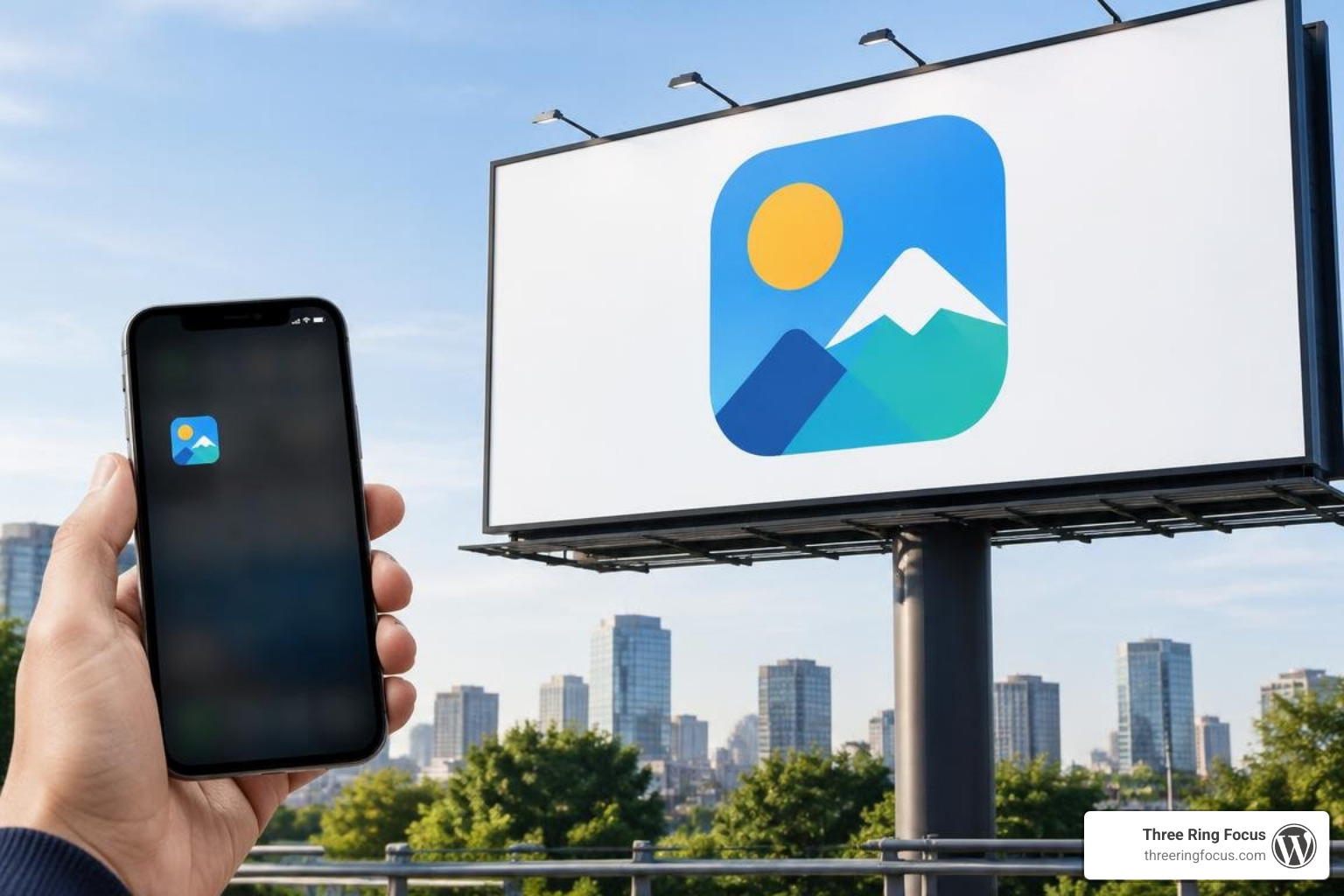
Your mark must perform seamlessly whether it is rendered as a 16-pixel browser favicon, printed on an aluminum business card, wrapped around a vehicle fleet, or displayed on a giant outdoor highway billboard. If thin lines disappear or letterforms blur together when scaled down, the design fails the utility test.
4. Timelessness
Design trends come and go. Relying heavily on fleeting fads—such as ultra-specific drop shadows or hyper-stylized geometric glitches—means your identity will look outdated within three years. Aim for classic proportions and balanced geometry that will feel just as fresh a decade from now.
5. Versatility
A great logo functions flawlessly across diverse applications:
- Full-color digital screens (RGB)
- High-resolution offset and digital print (CMYK)
- Single-color embroidery, engraving, and stamp work
- Reverse contrast (light-on-dark backgrounds)
Essential Elements of a Graphic Design Logo
Every standout mark brings together several essential building blocks:
- Color Psychology: Color triggers immediate visceral reactions. Blue establishes security and trust; orange sparks energy and enthusiasm; deep green conveys growth, wellness, or financial stability. Restrict your primary palette to two or three cohesive shades.
- Typography Hierarchy: Custom typography, refined kerning, and intentional font pairing ensure your brand name is legible across all distances. The weight and personality of the typeface must match your business character—whether bold, modern, playful, or elegant.
- Negative Space: Clever utilization of negative space adds depth, sophistication, and a rewarding visual surprise that strengthens brand recall.
- Symbol Geometry: Relying on basic geometric structures—circles, squares, balanced triangles, and golden ratios—ensures visual weight is distributed evenly, creating harmony and balance.
The Importance of Vector Standards and File Formats
Designing a logo in a raster-based program like Adobe Photoshop is one of the most expensive mistakes a business can make. Raster graphics are built from a fixed grid of pixels. When you enlarge a raster file, the software creates guesswork pixels, resulting in blurry, pixelated edges.
True professional logo creation demands vector paths constructed with mathematical anchor points and Bézier curves. Using dedicated tools like Vector Graphics Software | Adobe Illustrator ensures that your graphic retains crisp, pin-sharp clarity whether scaled to the size of a postage stamp or the side of an airplane.
Vectors provide:
- Infinite Scalability: Scale without any loss in resolution or quality.
- Dynamic File Flexibility: Effortlessly export from a single vector source into SVGs for web development, EPS files for industrial screen printing, or transparent PNGs for internal slide decks.
- Small File Sizes: Vector files contain mathematical coordinate instructions rather than millions of individual pixel color values, keeping digital assets lightweight and lightning-fast.
Step-by-Step Workflow for Logo Creation
Creating an identity system requires a disciplined, repeatable workflow that takes you from raw abstract goals to polished vector deliverables.
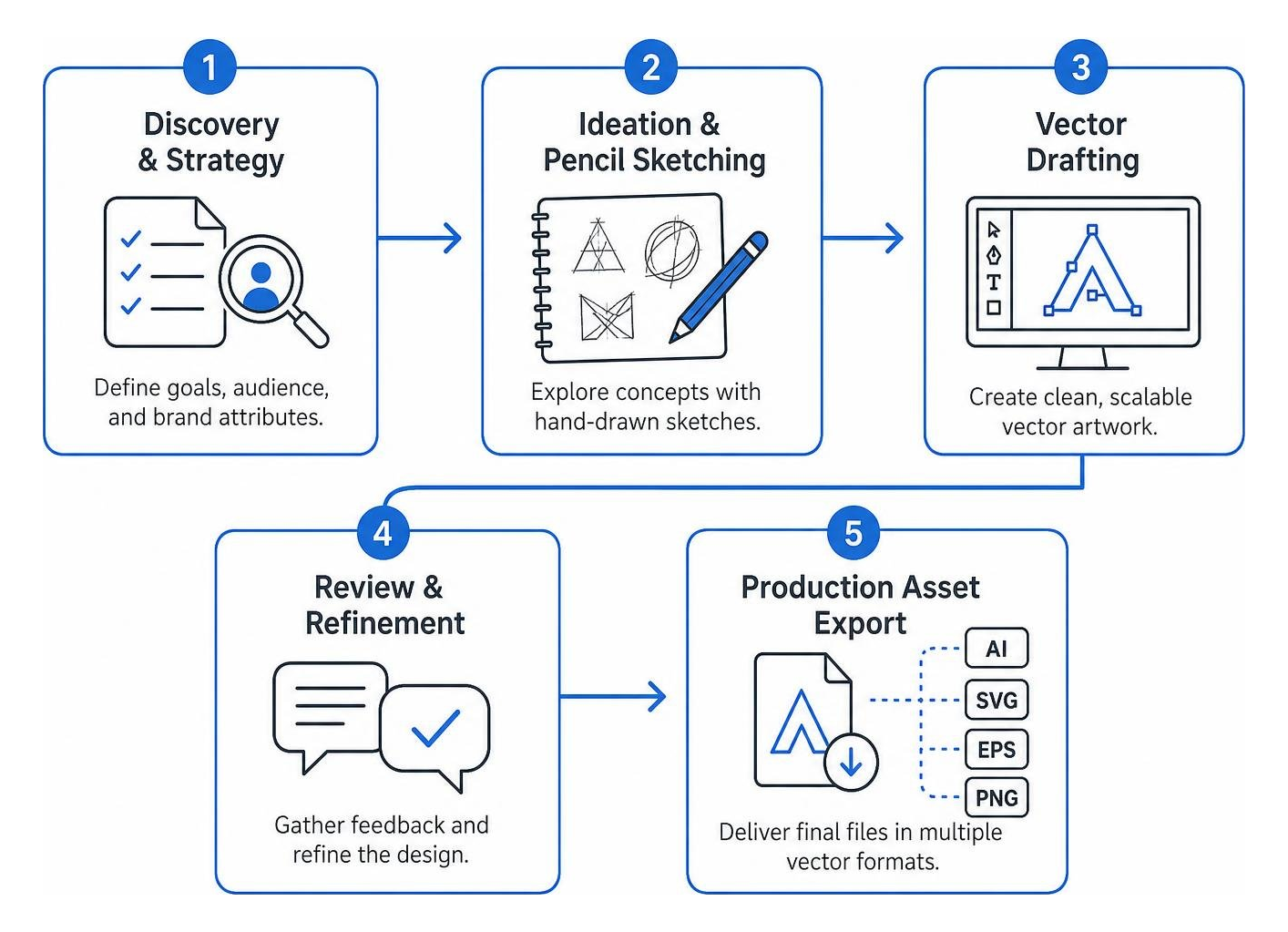
Step 1: Discovery and Strategy
Before touching a sketchbook or design program, clarify the strategic foundation:
- What specific problem does your product or service solve?
- Who is the target audience, and what aesthetic appeals to them?
- What 3–5 brand attributes should this visual mark communicate (e.g., modern, authoritative, approachable)?
Step 2: Mind Mapping and Conceptual Sketching
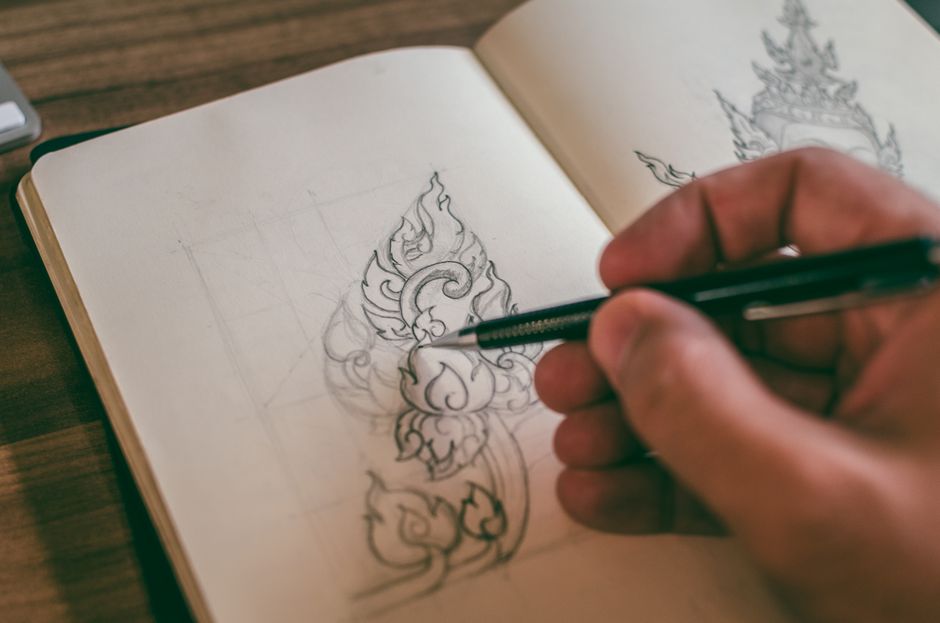
Start on paper. Sketching by hand is the fastest way to explore dozens of visual metaphors without getting bogged down by software tools. Generate 30 to 50 rapid thumbnail concepts. Push past the first obvious ideas—the lightbulbs for ideas or globes for international services—to find unique conceptual pairings.
Step 3: Vectorization and Precision Drafting
Select the top 2–3 pencil concepts and import them into your vector software. Trace the underlying structure, aligning anchor points to a geometric grid. Maintain minimal node counts: fewer points along a curve produce smoother, cleaner lines and smaller file sizes.
Step 4: Internal Stress Testing
Examine your working concepts against practical stress tests:
- The Silhouette Test: Turn the entire mark solid black. Does the shape remain recognizable?
- The Scale Test: Zoom out to 5% view. Is the primary brand mark still legible?
- The Context Test: Place the artwork over busy photographic backgrounds, dark overlays, and stark white backdrops.
Choosing the Right Graphic Design Logo Workflow: Software vs. AI Tools
The design landscape offers multiple paths for bringing an identity to life. Understanding the strengths of each approach helps you pick the right tool for your specific timeline and technical comfort.
- Professional Vector Software: Industry-standard tools like Adobe Illustrator provide complete manual control over every anchor point, stroke weight, custom ligature, and compound path.
- Modern Vector and Motion Suites: If you want to build and animate your identity in one seamless environment, you can Make your own logo design with Linearity to move fluidly between vector precision, background removal, and dynamic motion presets.
- AI-Powered Generative Tools: Generative platforms are useful for rapid initial mood boards, brainstorming visual directions, and breaking through creative blocks. However, raw AI outputs often generate uneditable raster art, phantom geometry, or trademark vulnerabilities that require manual vector cleanup by an experienced designer before commercial launch.
Digital Refinement and Motion Branding
Once the core shapes are drafted, focus on high-precision refinement:
- Kerning and Tracking Adjustments: Never rely on default auto-kerning for your wordmark. Manually adjust the spacing between individual letter pairs to create optical balance.
- Grid Systems: Align symbol angles, stroke weights, and typography margins to consistent modular guides.
- Motion Identity: Modern digital brands exist on screens. Designing dynamic animations—such as an icon morphing, tracing its outlines, or rotating on user interaction—elevates perceived brand value across apps, video intros, and website loading states.
Exporting and Deploying Your Brand Assets
A finished design is only as good as its deployment. Handing off a single .JPEG file leaves your team stranded when ordering trade show displays or updating website headers. A comprehensive brand kit provides organized files across color profiles, resolutions, and extensions.
| File Format | Base Type | Primary Use Case | Key Advantage |
|---|---|---|---|
| SVG | Vector | Websites, web apps, interactive digital UI | Crisp on all retina screens, lightweight, supports CSS styling |
| EPS / AI | Vector | Commercial printing, vehicle wraps, embroidery | Master production file, infinitely scalable, full layer data |
| Vector / Raster | Client previews, brand style guides, print collateral | Universal compatibility across all operating systems | |
| PNG | Raster | Social media profiles, slide decks, email footers | Supports transparent backgrounds, lossless compression |
| JPG / JPEG | Raster | Basic digital imagery, desktop wallpapers | Small file size with solid background fills |
Along with the files above, package your identity with a concise Brand Style Guide detailing:
- Exact color values (HEX for web, RGB for screen, CMYK and Pantone for print)
- Primary and secondary brand typefaces
- Minimum clear-space rules around the mark to prevent visual clutter
- Unacceptable logo alterations (e.g., unauthorized stretching, unapproved color changes, or awkward drop shadows)
Frequently Asked Questions About Graphic Design Logos
What is the most critical rule when designing a logo?
The most critical rule is radical simplicity paired with vector scalability. A logo must be distinctive enough to be memorable, yet simple enough to scale down to a mobile screen or single-color print without losing its clarity or structure.
Which file formats must a complete logo deliverable include?
A production-ready package should include vector formats (SVG, EPS, and master PDF) for infinite scalability and commercial print, alongside high-resolution raster files (transparent PNG and standard JPG) formatted in RGB and CMYK color modes.
How do AI logo generators compare to custom professional design?
AI generators excel at rapid brainstorming, producing mood boards, and generating early conceptual directions in minutes. However, custom professional design provides deeper brand positioning, custom typography, clean vector geometry, strategic market differentiation, and guaranteed trademark originality that automated platforms cannot replicate.
Conclusion
A well-crafted logo serves as the visual cornerstone of your entire marketing engine. It establishes immediate credibility, sets the tone for your customer interactions, and creates seamless continuity across your website, digital campaigns, and physical print collateral.
To ensure your brand communicates effectively across every modern touchpoint—from mobile navigation bars to physical packaging—take time to review the 4 logo variations every brand needs to build a flexible, complete identity system. At Three Ring Focus, we love helping businesses build cohesive, results-driven brands from the ground up. Take your time during the discovery phase, build on solid vector foundations, and create an identity your business can wear proudly for years to come.